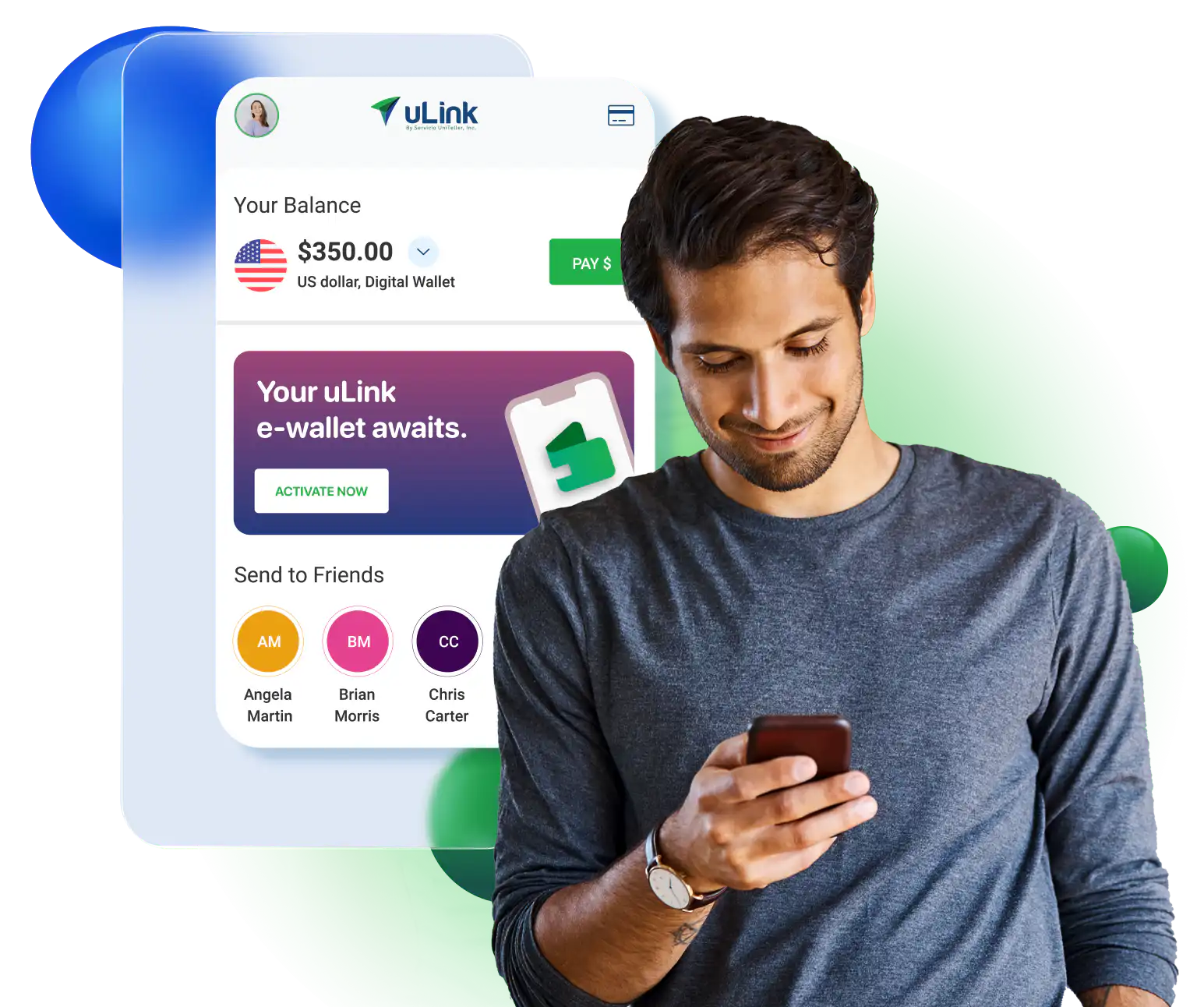
Pay less Send more

International money transfer app

Pay less.
Send more.

More than just money transfers | Phone reloads | Domestic e-wallet transfers and more.

More than just money transfers | Phone reloads | Domestic e-wallet transfers and more.

More than just money transfers | Domestic e-wallet
transfers and more.

Get GIFT CARDS worth $30! Get a $10 gift card on your first transfer of $100 or more.
Get gift cards
Get gift cards worth $30 on your first 5 transfers*
previous arrow
next arrow

Why uLink?
Send money the smart way

Pay less.
Transfer more.

No hidden
fees.

Secure
and reliable.

Send money with
3 easy steps

Slide
STEP ULINK 1
1

Tell us who you're
sending money to.

previous arrow
next arrow

Download the uLink SuperApp and send money internationally

appstore US
google play US
ulinkdev qr app en

Scan the QR code
to download the app

about

Pay less.
Send more convenience.

XXX+ locations in 10 countries worldwide

05 Bank

Credit to bank
account

Icon 49 Money 1

Cash pickup

48 Wallet security

E-wallet

32 Home

Home delivery

Some options are only available for selected countries.

FAQ's about sending money with uLink

Top 10 FAQ’s

We have an excellent coverage worldwide including Mexico, Central America, the Caribbean, South America, Asia, Europe, Africa, and Australia.
Click here to see the full listing of our destinations.

  • As a Silver Level Customer: You can send up to $1,999 daily and up to $4,999 during a 30-day period.
  • As a Gold Level Customer: You can send up to $2,999 daily and up to $7,999 during a 30-day period.
  • As a Platinum Level Customer: You can send up to $4,999 daily and up to $14,999 during a 30-day period.
  • As a Diamond Level Customer: You can send up to $9,999 daily and up to $24,999 during a 30-day period.

If you would like to check your eligibility for a level increase, please contact Customer Service at 1 (800) 456-3492.

Yes, you are required to sign up in order to send money, pay bills, or reload phones with uLink. uLink allows you to save your information, add beneficiaries and payment methods without having to enter all the information every single time you make a transfer.

All the information saved in your profile is always safe and protected.

The time taken to process a transfer depends on your sending method.
Transfers made using a credit card, debit card, or e-wallet funds: available within 30 minutes to 1 hour.
Transfers made using a bank account: available within 4 business days

Please note that uLink makes every effort to ensure timely processing of transactions.However, at times, there are factors that are outside of our control that may cause processing delays.

Such factors may include:

  • Additional information needed by uLink or the recipient’s bank/financial institution for added security

  • Verification of your bank account

  • Paying network processing hours

  • Branch location business hours

  • Holidays

  • Errors in recipient’s details

…and more

For questions and concerns regarding the status of a transfer, feel free to contact Customer Service at 1 (800) 456-3492.

You can cancel a transaction any time before it is paid to your beneficiary and without having to pay any fee. To cancel a transaction, go to the “Transaction History” section or by clicking on the “cancel” icon shown in the recent transactions table of your uLink dashboard. Please note, that you can only cancel a transaction if it is in “PAYABLE” status.

If you need any additional help regarding the cancellation of your transfer,
please contact Customer Service at 1 (800) 456-3492.

There are four ways by which your beneficiary can receive money the money you send:

  1. Cash payout at any of our paying agents
  2. Credit to your beneficiary’s bank account
  3. Home delivery (available in certain countries)
  4. Digital wallets (available in certain countries)
Click here to search for a paying agent that meets your needs.

Our fees vary depending on the service, destination country, the amount being sent, and the payment method being used. Our fees start at $0.
Log in to your uLink account to verify the fee calculation for the service, destination country, amount, and payment method you plan on using.

  1. Download the uLink Money Transfer App Tap “Get Started”.
  2. Enter the information requested.
  3. Verify your email to activate your account.

At uLink, the safety and security of our customers is our top priority. We are committed to processing your transaction securely and keeping your personal and financial information safe.

If you’re not registered with uLink, sign up with uLink or download the uLink Money Transfer app on Google Play and on the App Store. If you’re already registered, log in to your uLink account.


  1. Tap on the “Send Money” icon   
  2. Choose a beneficiary or add a new beneficiary
  3. Choose the receiving method
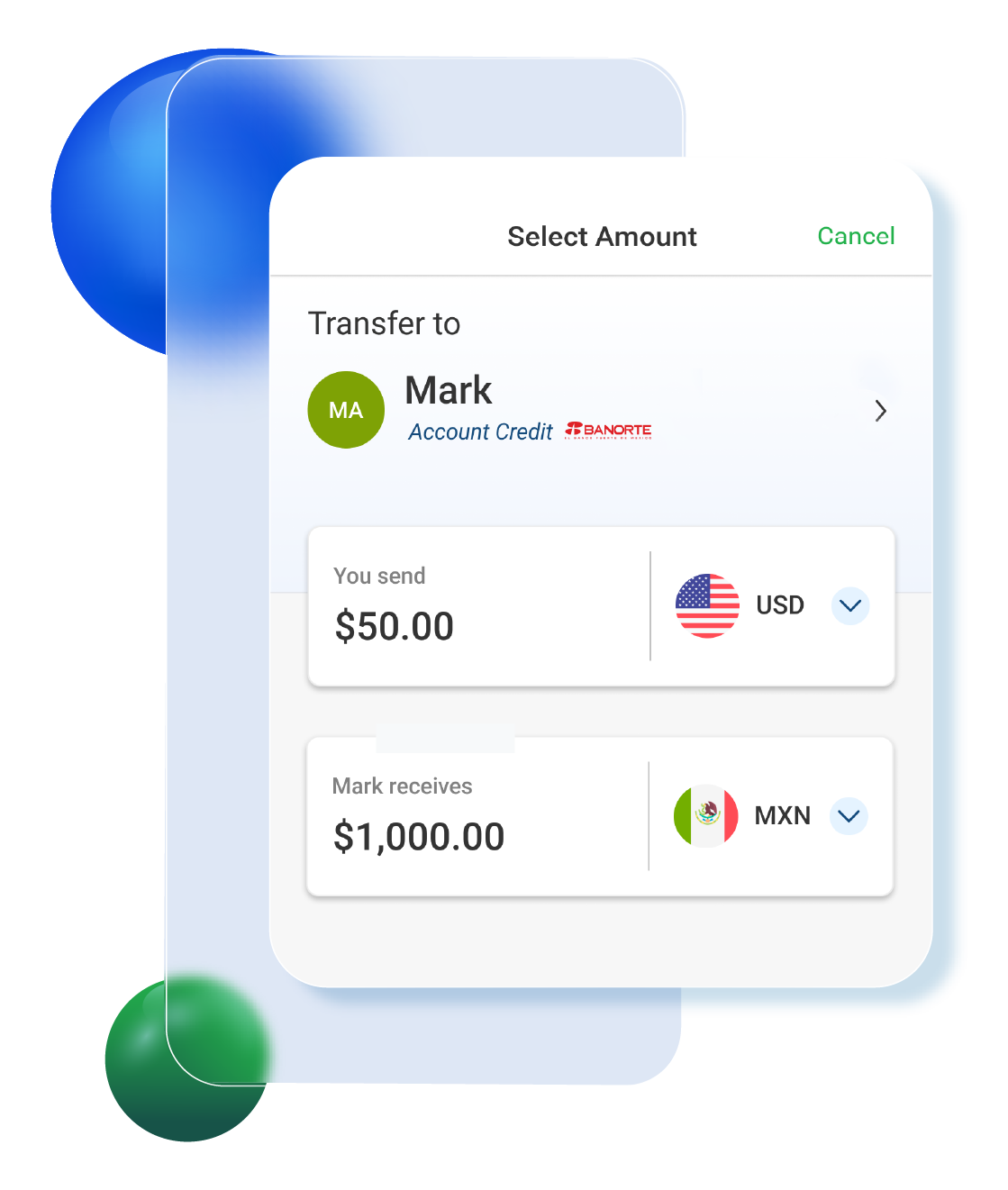
  4. Enter the amount to be sent
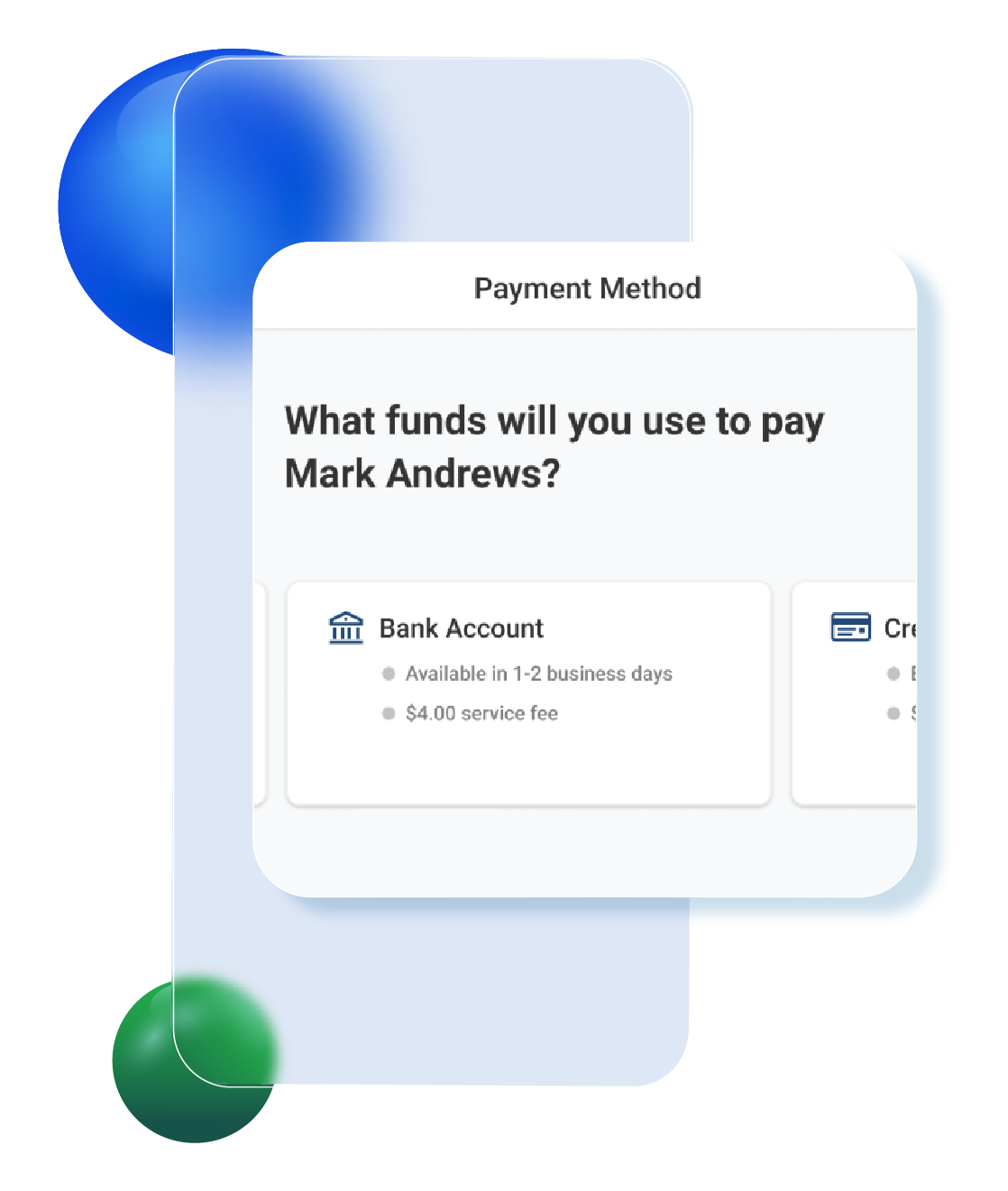
  5. Select how you’d like to pay for your transfer. You can choose to pay with your bank account, debit, credit card, or by using your uLink e-wallet.
  6. Review and confirm your transfer.

uLink simplifies sending money to family, friends, and loved ones, making it fast, easy, and convenient. 


With the uLink App, sending money abroad is a breeze.

Send money directly to e-wallets and major banks, for cash pickup at various convenient locations, or for home delivery.

Some options are only available for selected countries.

trust pilot
Hear from
our customers
Hear from our customers